

How to Order
Design in your own software. We print, bind and dispatch. Four steps, and only the first one happens once.
The four steps
Get a trade account
Prepare print-ready files
Send your files
We print, bind & dispatch
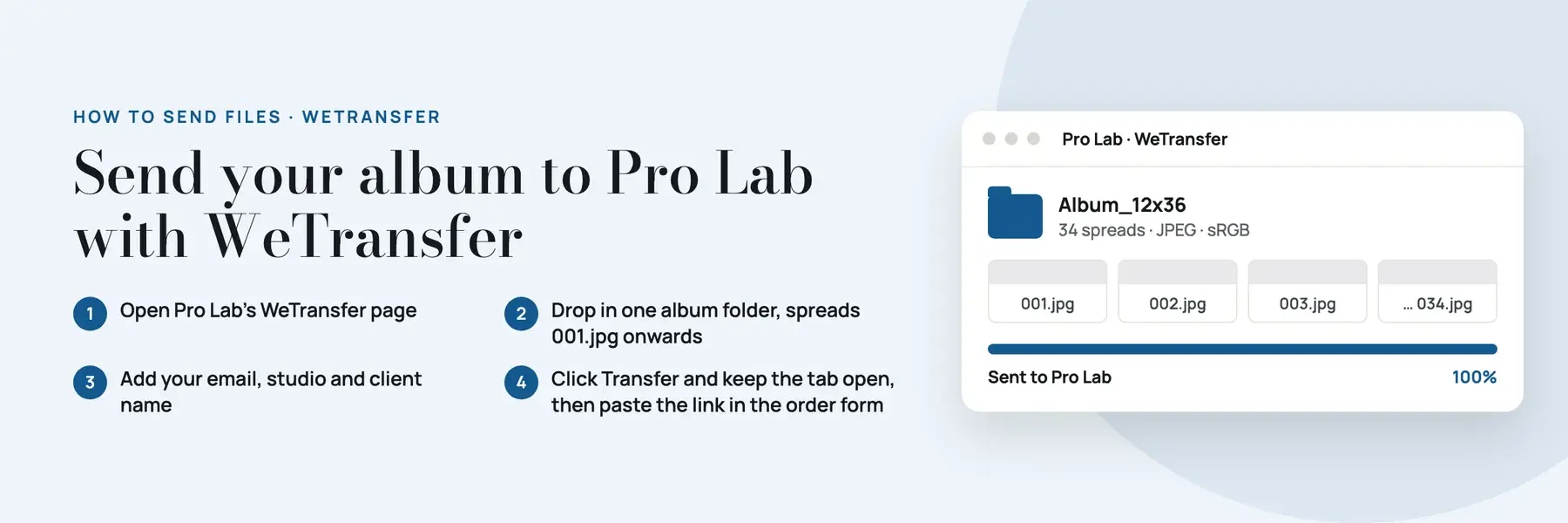
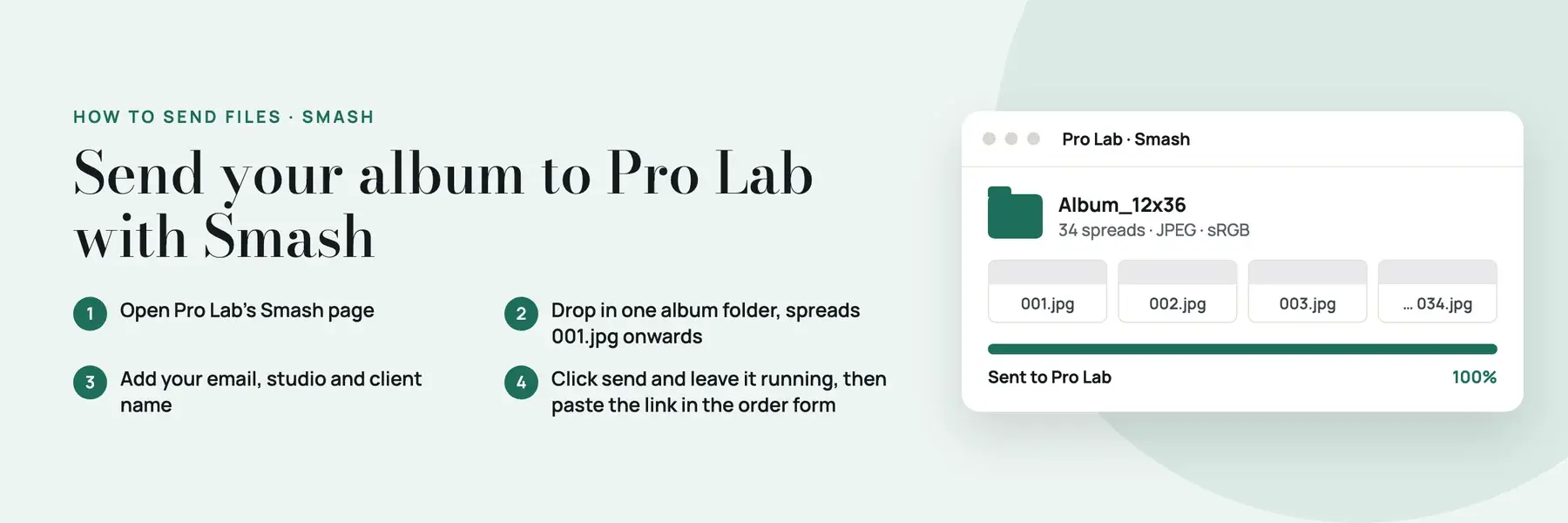
How to send your files
Use WeTransfer or Smash, whichever you prefer. Both send your files straight to Pro Lab. Watch the short video or follow the steps below. Upload stuck? WhatsApp us on +91 99029 56079.
Production times
Working days for printing and binding, counted from approved files. Delivery is on top.
| Product | Printing & binding | Notes |
|---|---|---|
| Lay Flat Album | 2 working days | UV Gloss, UV Matte or Lustre |
| MEGA Lay Flat Album | 3 working days | UV Matte only · 15×24 to 20×50 |
| RGB Photo Book (UHD) | 2 working days | Non-tearable media |
| CMYK Photo Book (HD) | 2 working days | Non-tearable media · Economy tier available |
| Album designing service | Extra | Quoted per job — ask when you send files |
Sample albums with your logo
A real album on your table sells better than any screen. Trade accounts can order display samples at 10–15% below their trade price.
Your logo on the cover
The real product
How to order
File specs & size templates
Every size on this site is a spread size – the album or book open, measured across both pages. Export one file per spread at that size.
Works with the software you already use
Design in any album software you like. We print from JPEG spreads, so all you need to do is export them to our file specs and send them over.
Not sure about something?
Talk to the trade desk before you send a job. It is quicker than reprinting.